
My how-to list of a typical UX/UI digital product design process that is subject to continuous scrutiny.
Design Process
Existing Product Analysis
If there is already a previous version live, the existing product analysis examines existing conversion rates and user experience. What are the key findings that require improvement? Search keywords, page views and heatmaps often reveal plenty and all this data can be used to benchmark and measure performance of the new system.
Related posts
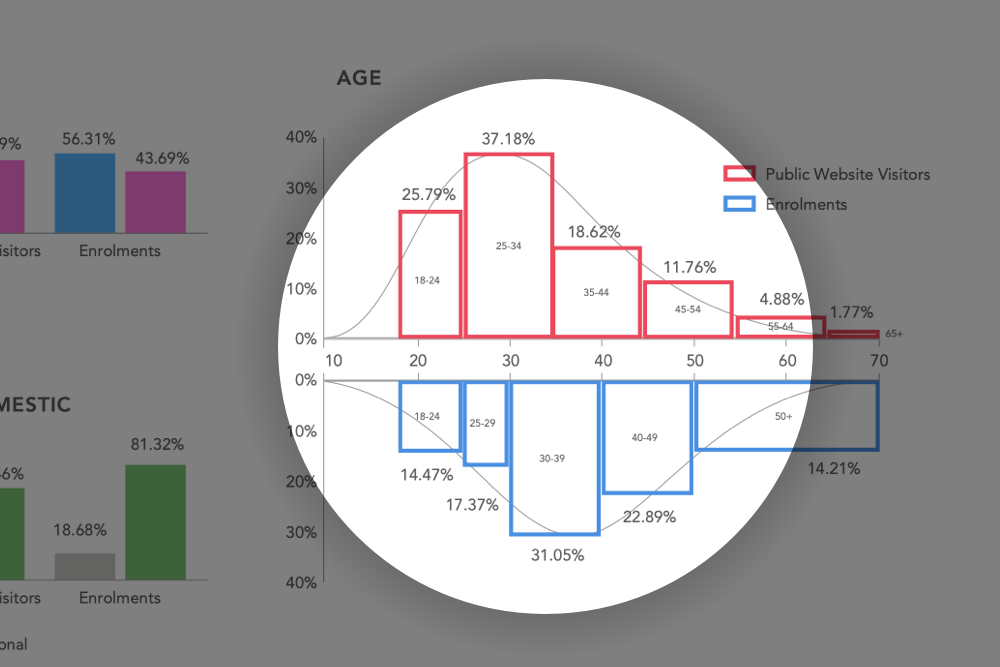 What can we learn from the difference between enrolments and prospects? When you compare website visitor versus enrolment data, some great insights can be made.
Competitive Analysis
Understand how the competitors represent themselves and their products. What are the key differences? What works and what doesn’t? This also helps to reveal existing industry practices.
User Research
Researching as much of the user as possible. This includes demographics, likes, fears, wants, needs etc. through interviews, surveys and diary studies.
Related posts
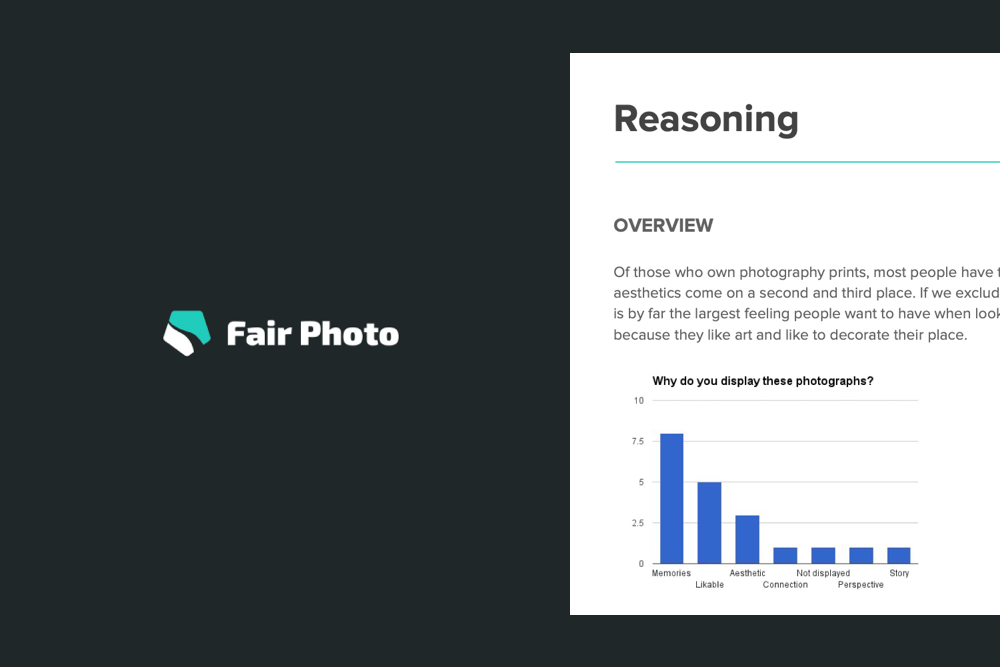 Creating a “live” audience research report for Fair Photo Is your research report out of date? Here is how I made a "live" one. What can we learn from the difference between enrolments and prospects? When you compare website visitor versus enrolment data, some great insights can be made.
Personas, User Journeys and Empathy Maps
Create personas and describe how her or she travels through the current state process within the context of the product or service. How does he/she become aware of us? What happens next? This includes the creation of an empathy map/value proposition. This step is part of the Gelato framework.
Related posts
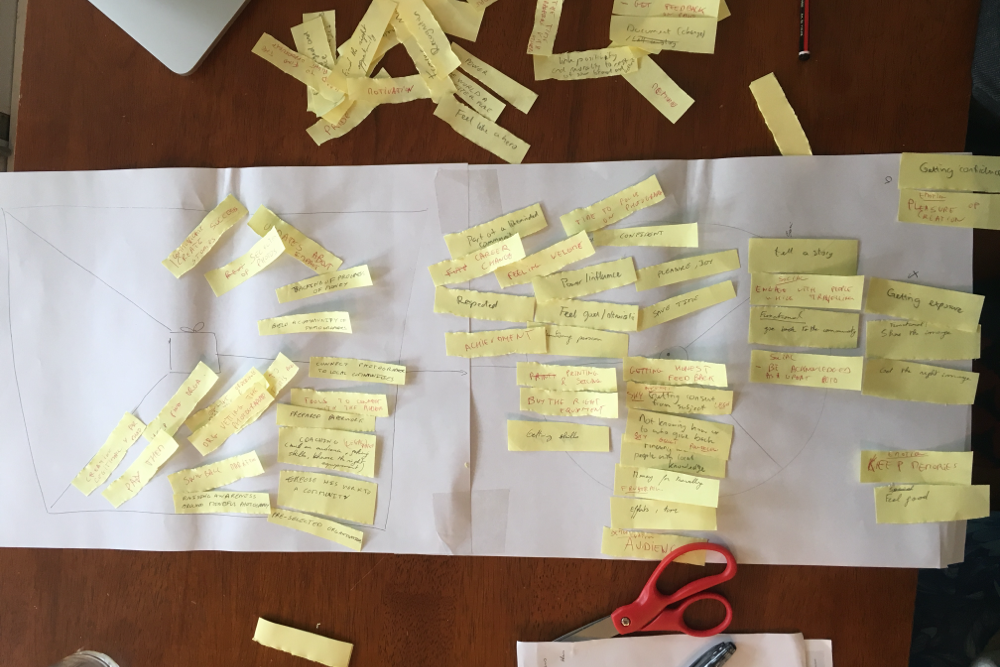 From empathy map to value proposition The value proposition canvas helps to ensure that a product or service is positioned around what the customer values and needs.
 Creating and comparing personas for Multisite Personas help create insight into your audience for the entire team.
User Stories
This is where the crunching of the information starts, to create the backbone of the design of a product: user stories. What are the individual (mini-) goals for the user and what are their priorities? How will they translate to the design? This step is part of the Gelato framework.
Related posts
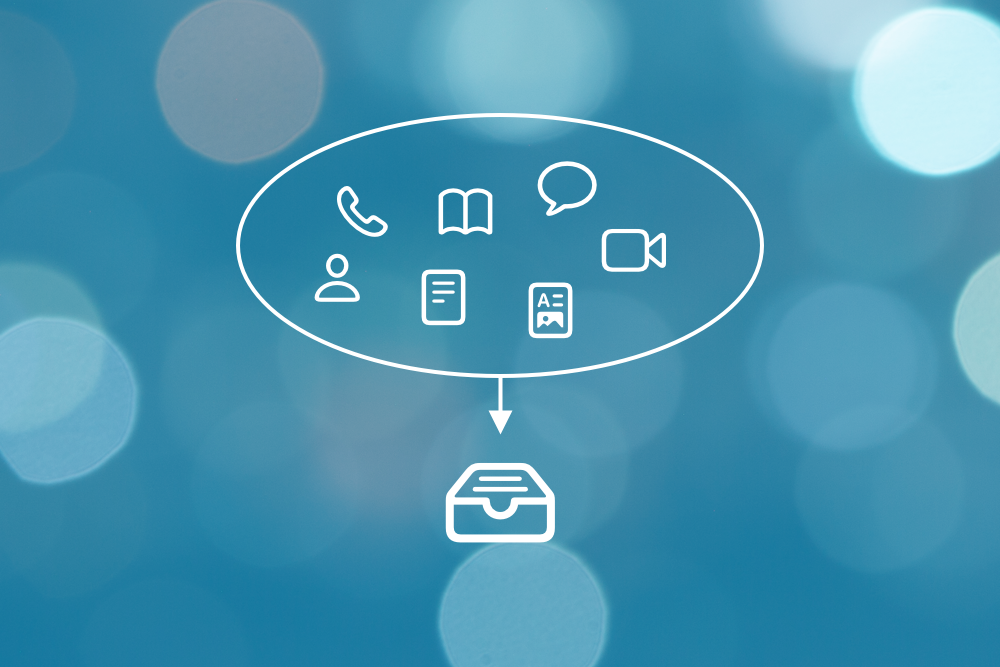 Extracting user stories from research synthesis: Quantifying qualitative data An examination of how to get from various raw data sources to user stories from a UX perspective using Coda.
User Flows and Scenarios
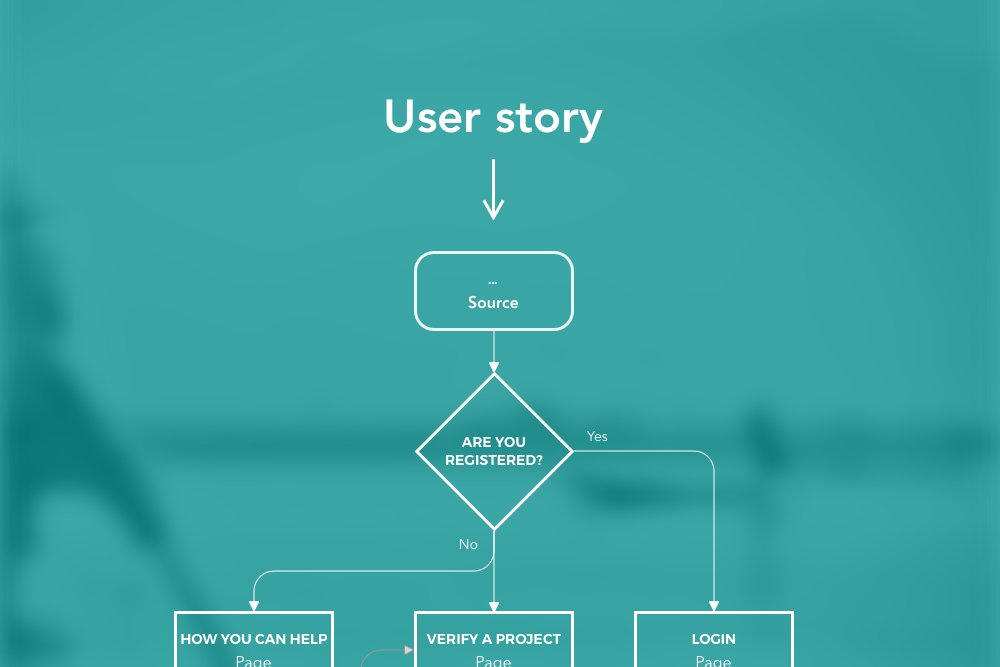
A user flow describes in a flowchart how a user should travel through the product performing key tasks. User scenarios are the personalised stories around these, which can be given more shape inside storyboards. This step is part of the Gelato framework.
Related posts
IA / Sitemap
The development of the IA starts here, which can be improved with exercises such as card sorting and treejacking. This step is part of the Gelato framework.
Wireframes and Fast Prototyping
From basic page models to clickable/tappable prototypes for review and/or testing: wireframes are highly versatile, assist in forcing visual, concrete elements on a page and help gain feedback quickly. This step is part of the Gelato framework.
Design System
To prevent the wheel to be re-invented over and over, design can be broken up in smaller pieces and shared across multiple people and teams. New designs are drafted quicker and should remain consistent with the design language. This step is part of the Gelato framework.
Related posts
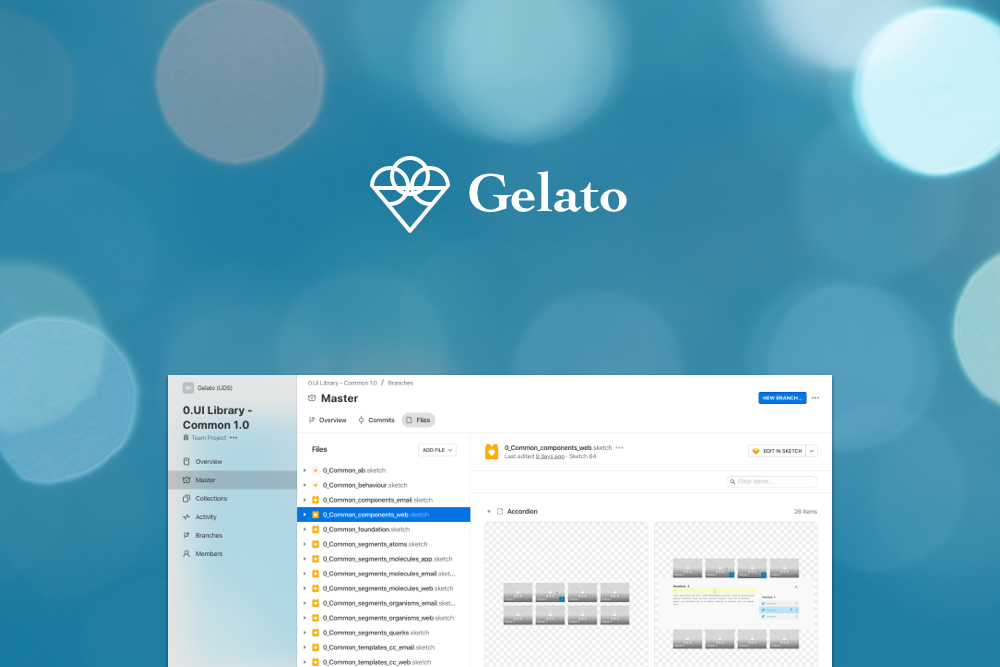 Building the ultimate GEL design system using Sketch & Abstract This is the journey on how a large enterprise design system was crafted using Sketch and Abstract.
Visuals and UI Design
Design high fidelity visuals (using elements from the design system) on brand to create mockups and prototypes that can be shared using tools such as Invision or Marvel. Each design should be checked for accessibility and the authoring and design rules (what is the maximum number of characters of a field?) are drafted here. This step is part of the Gelato framework.
Related posts
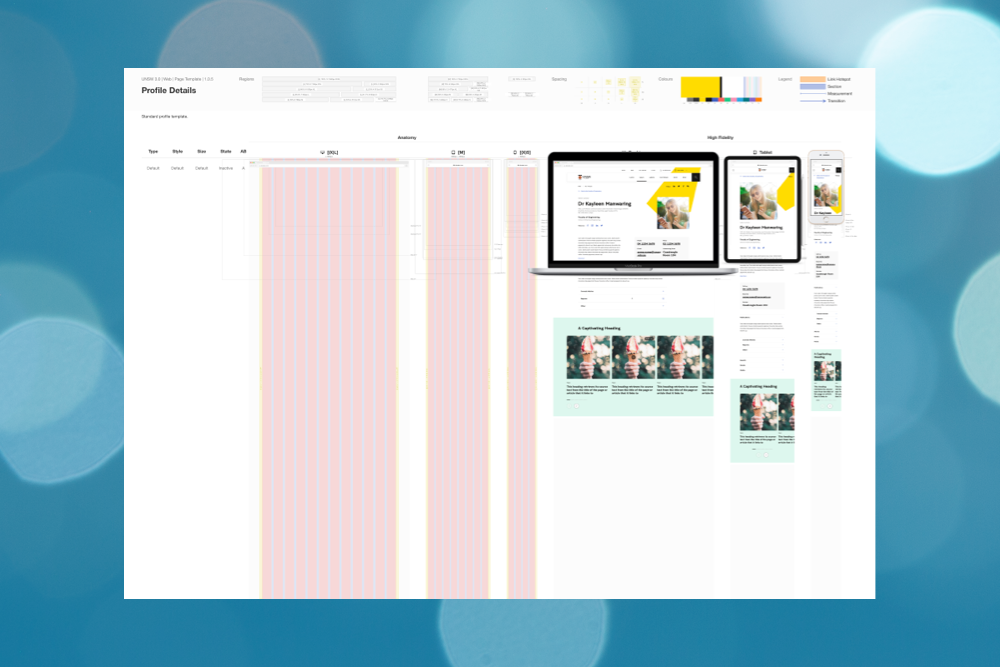 The Evolution of Design Boards Part 2 Part 2 of exploring the best way to design within a GEL and to present these to developers and stakeholders.
 Determining maximum characters: Introducing “Lorem6” A solution to determining how many characters a certain text field should allow.
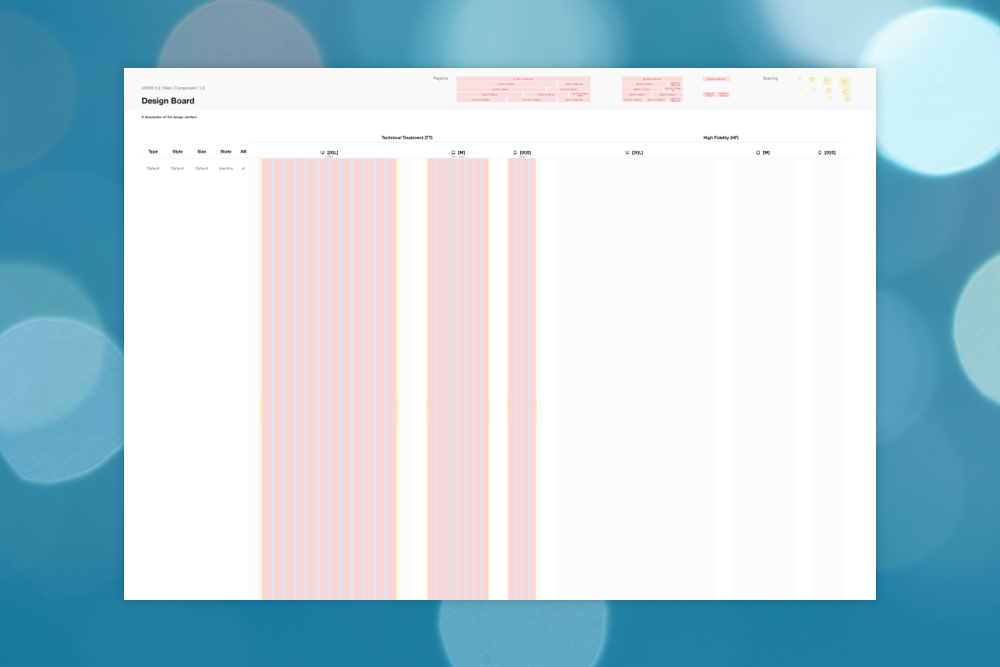 The Evolution of Design Boards Part 1 Design boards have a come a long way since its first inception to demonstrate how a component should transition from one state to another.
Motion Graphics
Using animation software to create and test animating (micro) interactions. This step is part of the Gelato framework.
Finalise
Full assets rollout including final images, illustrations, icons and style guide if required. This step is part of the Gelato framework.
Handover and review
Assist the BA with creating tickets and consult devs where needed. Conduct design reviews and manage accessibility checkups on delivered code. When there is time left, set up AB test goals, analytical dashboard/funnel and other analytical KPI’s / consult on SEO. This step is part of the Gelato framework.
Documentation
Write instructions for designers on how to make use of the design system, coders on how the component works and authors on how to use/not to use them. This step is part of the Gelato framework.
Analyse and improve
Perform AB tests, measure KPI’s and continue to perform usability tests to stay well informed of the product and its shortcomings. This step is part of the Gelato framework.
Related posts
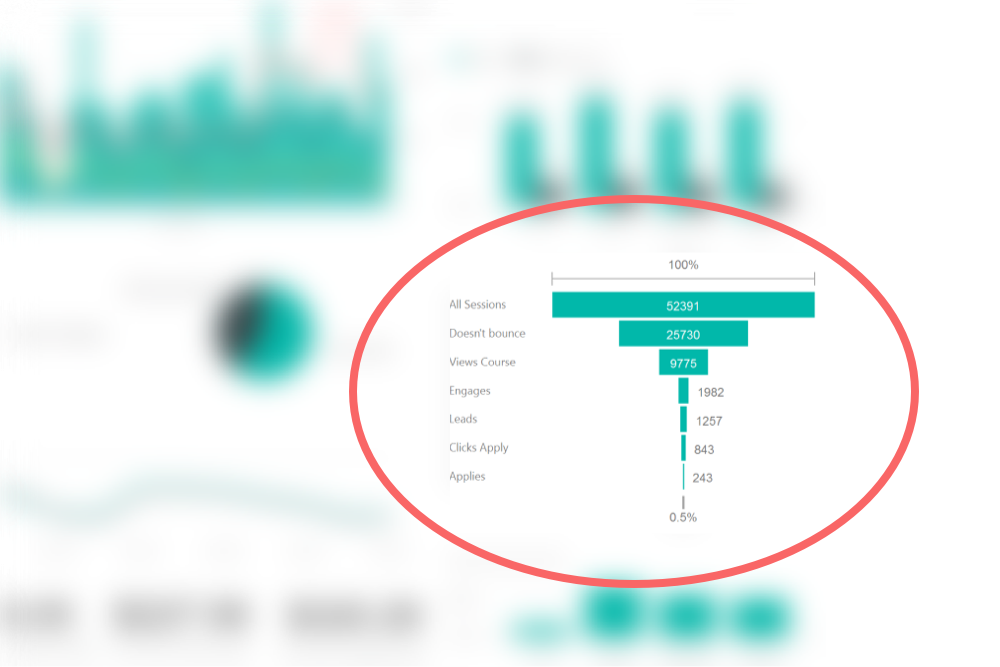 Knowing where customers are dropping off on Multisite using AARRR The funnel inside the custom made dashboard is based on the AARRR framework.